 Soda Player
Where to Find Legal Videos to Stream With Torrents
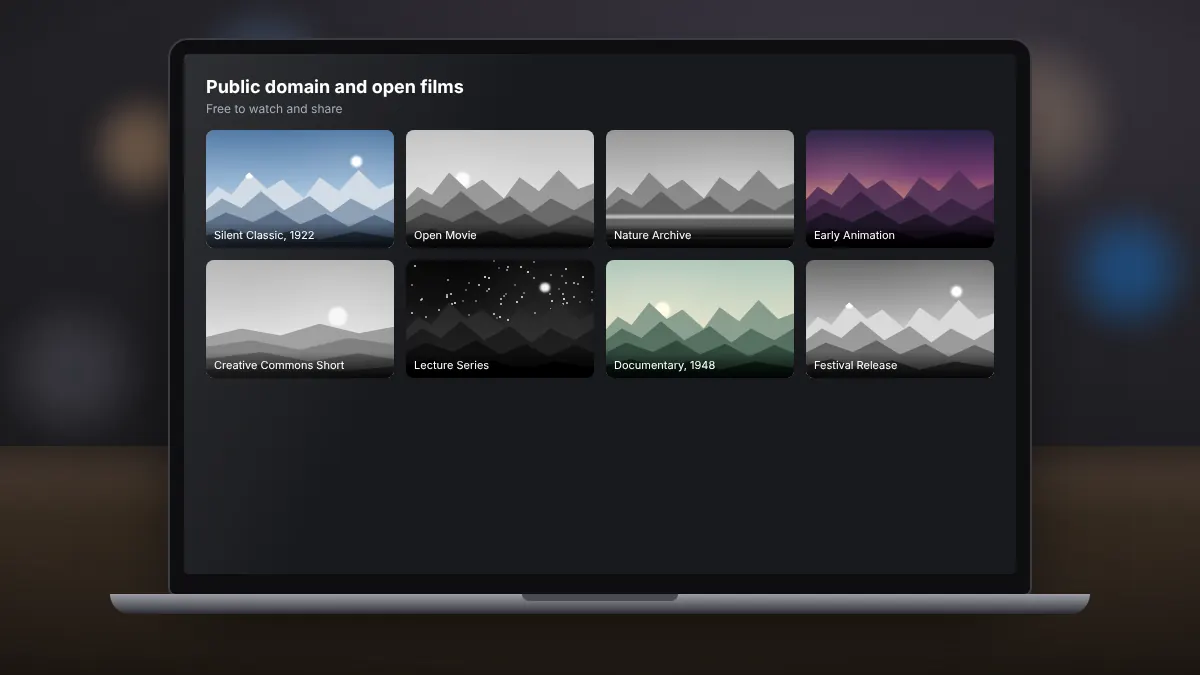
Public domain classics, open films and archives that you can stream over BitTorrent with a clear conscience.
Read fullTorrent streaming, casting, subtitles and ease of use compared side by side.
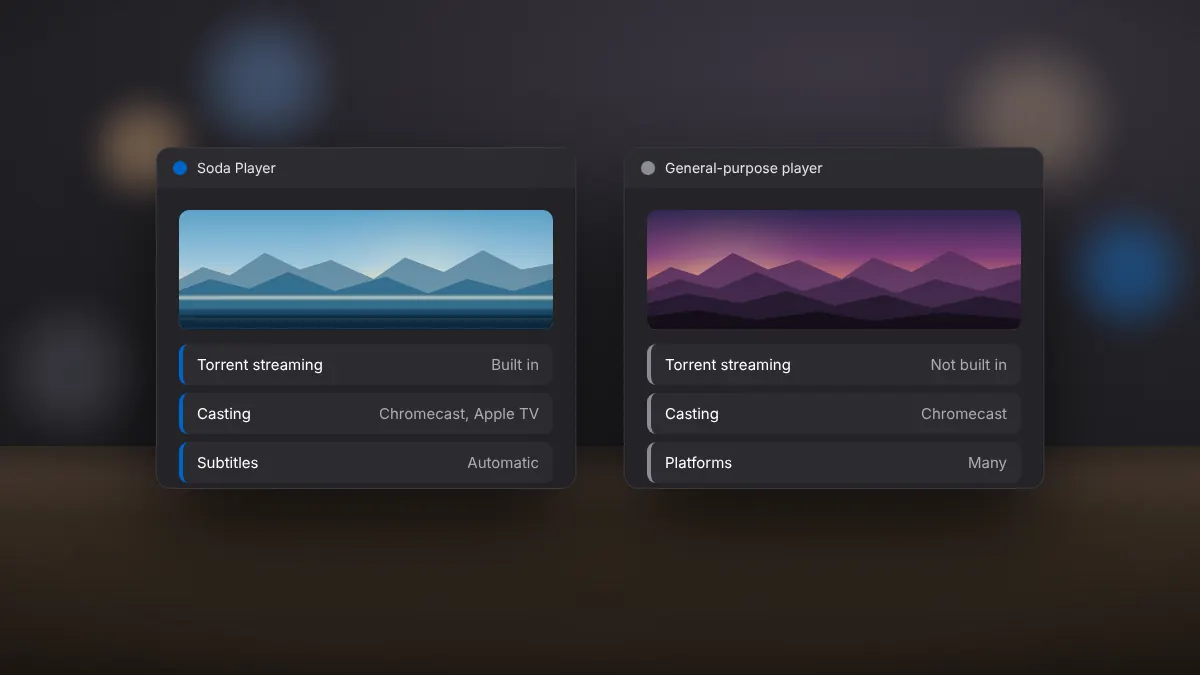
VLC is the best-known free media player, open source and available on nearly every platform. Soda Player takes a different approach, built around streaming and casting with a simple interface. Both are good choices for different needs.
| Feature | Soda Player | VLC |
|---|---|---|
| Torrent and magnet streaming | Built in | Not built in |
| Casting to Chromecast | Yes, plus Apple TV | Chromecast |
| Automatic online subtitles | Built in (OpenSubtitles) | Through an extension |
| Platforms | Windows, macOS | Windows, macOS, Linux, Android, iOS |
| DVD and Blu-ray menus | No | DVD yes, Blu-ray limited |
| Advanced settings | Few | Very many |
| Licence | Freeware with premium features | Open source |
If you mostly watch local files and streams on Windows or Mac and value simplicity, Soda Player is quick to learn. If you need disc playback, conversion or detailed control, VLC remains the more flexible tool. Many people keep both installed.
Public domain classics, open films and archives that you can stream over BitTorrent with a clear conscience.
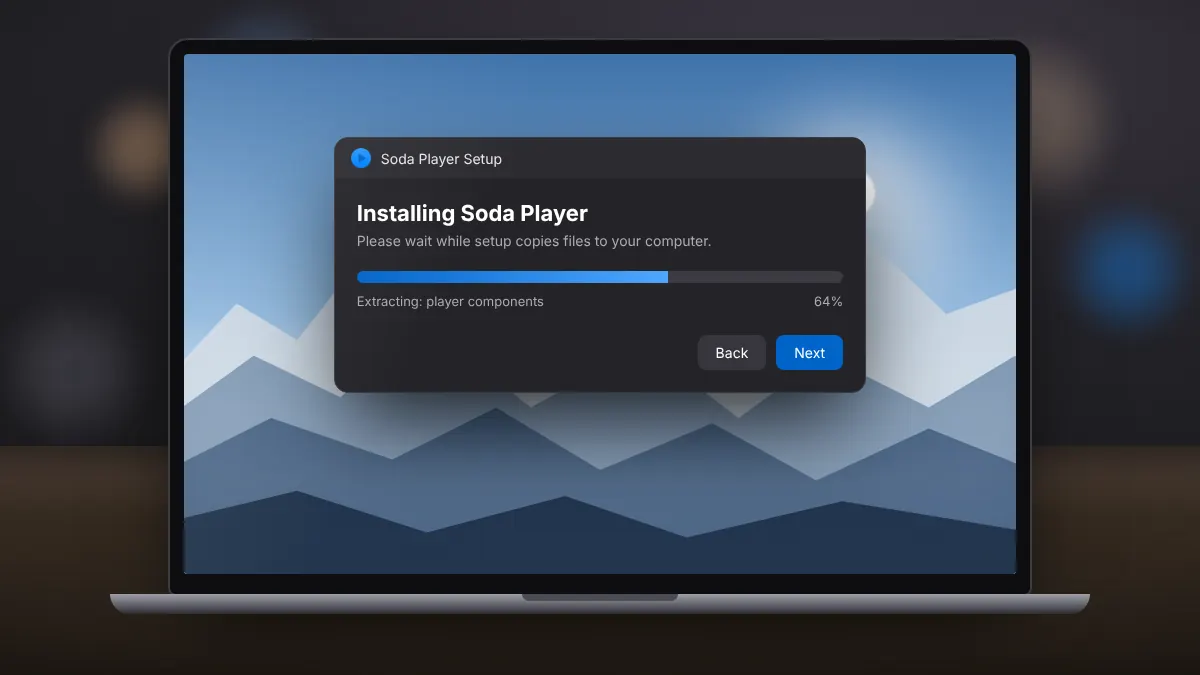
Read fullA clean setup on Windows 10 or 11, from saving the installer to opening your first video.
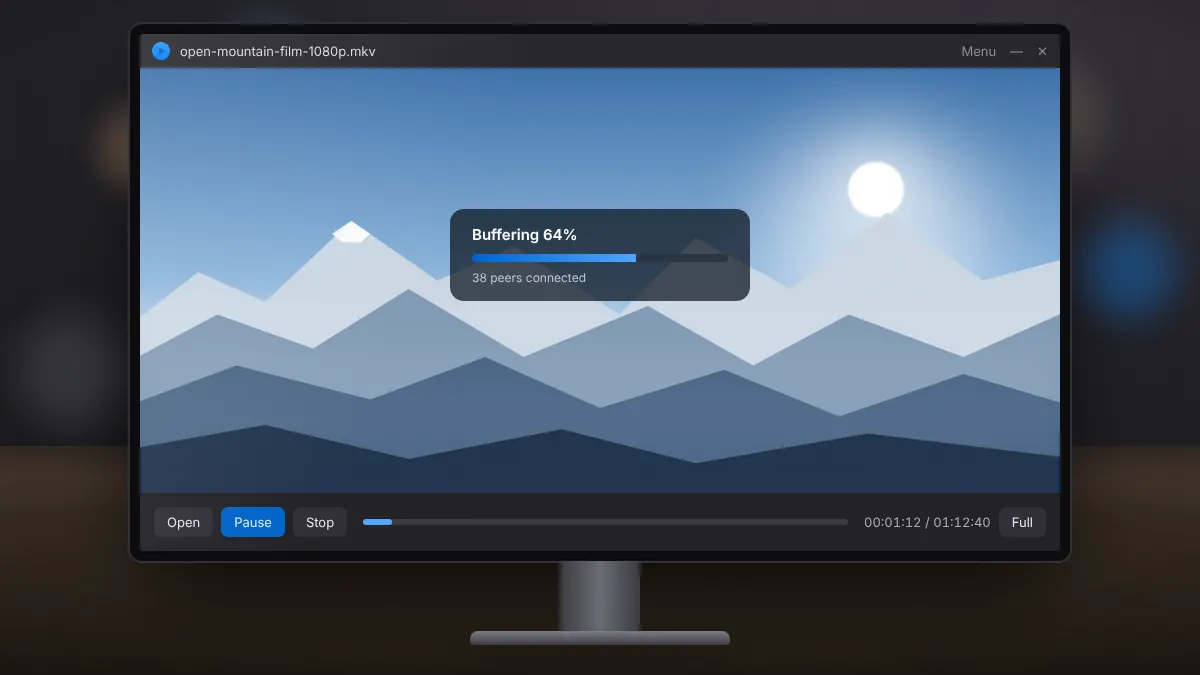
Read fullOpen a magnet link or torrent file, start watching while it buffers, and keep your streaming legal.
Read full