 Soda Player
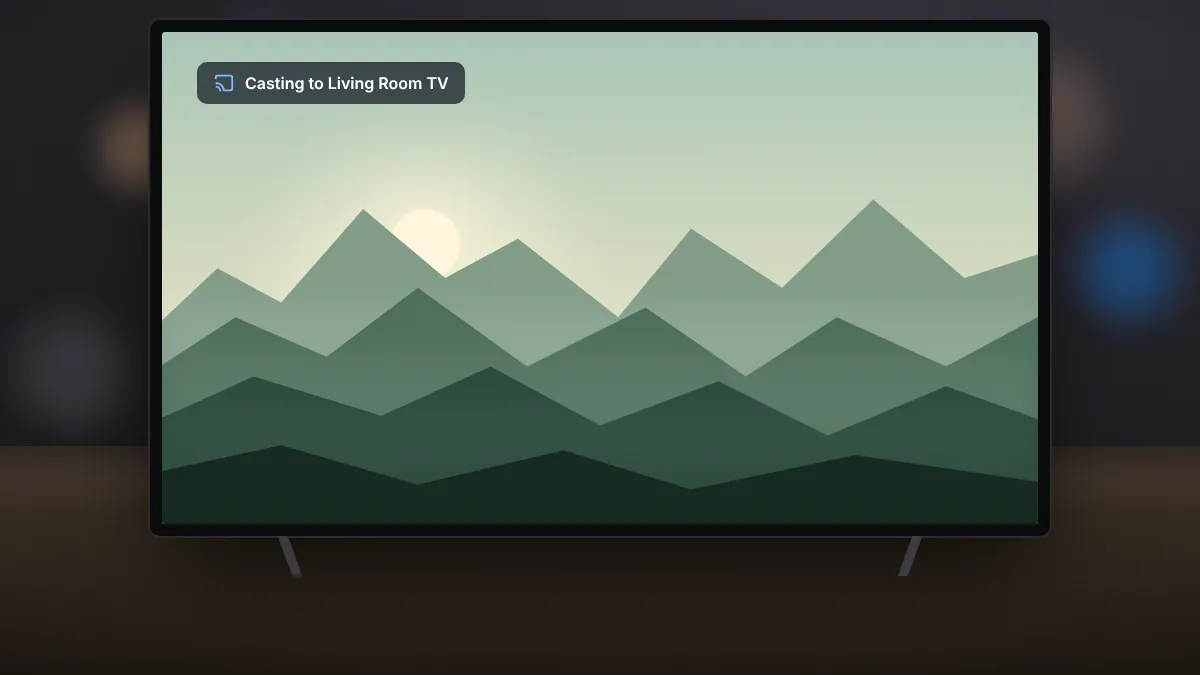
Casting Soda Player to Chromecast and Apple TV
Send video to the big screen, keep subtitles and surround sound, and fix devices that refuse to appear.
Read fullHow automatic subtitle search works, how to load your own files, and quick fixes for timing problems.
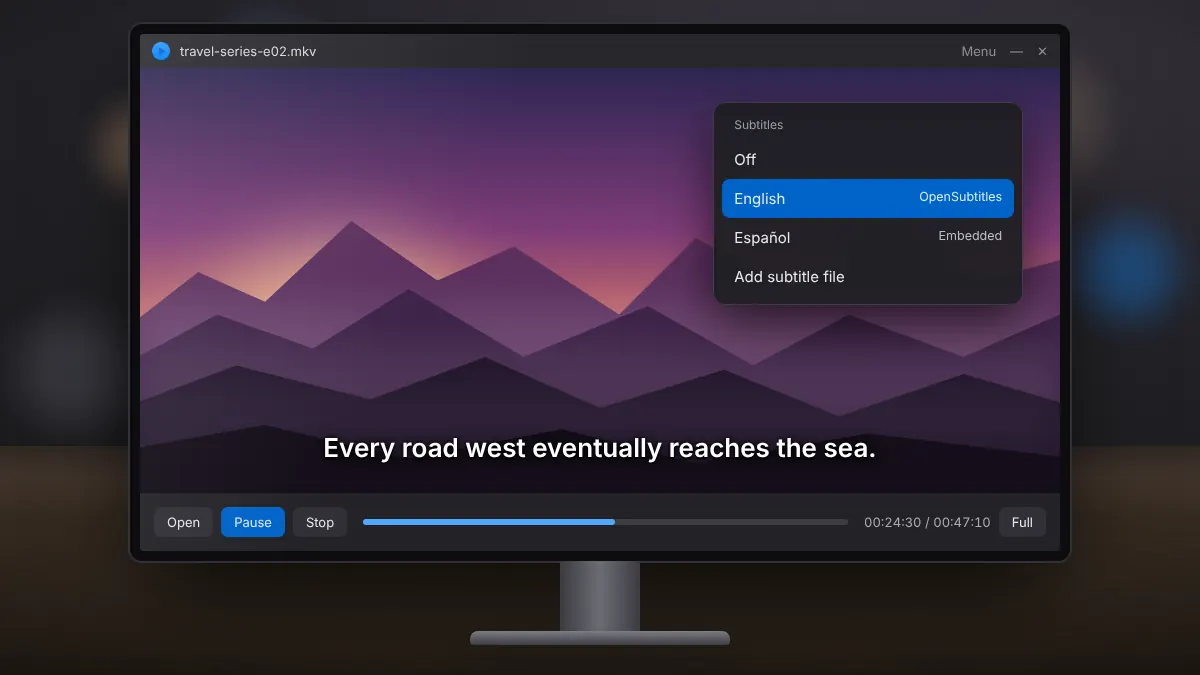
Soda Player can look up subtitles for you. It searches OpenSubtitles.org for a match and also reads subtitles embedded in MKV files or stored next to your videos. This guide explains each source and what to do when lines do not line up.
Open the subtitle options while a video plays and pick your preferred language. The player then shows matching results first. If several versions appear, choose the one whose name mentions the same release or resolution as your video.
Rename the subtitle file so it matches the video exactly, apart from the extension, and keep both in the same folder. For example, lecture-01.mp4 and lecture-01.srt. You can also add a file manually from the subtitle options.
Lines that appear too early or too late usually belong to a slightly different version of the video. Try another result from the online search first. If none fits, a free editor such as Subtitle Edit can shift every line by a fixed number of seconds.
Garbled accented characters mean the file uses a different text encoding. Open it in a text editor, save it as UTF-8 and load it again.
Embedded and matching files load on their own, online search fills the gaps, and timing or encoding problems have quick fixes. Most of the time, choosing your language once is all you need to do.
Send video to the big screen, keep subtitles and surround sound, and fix devices that refuse to appear.
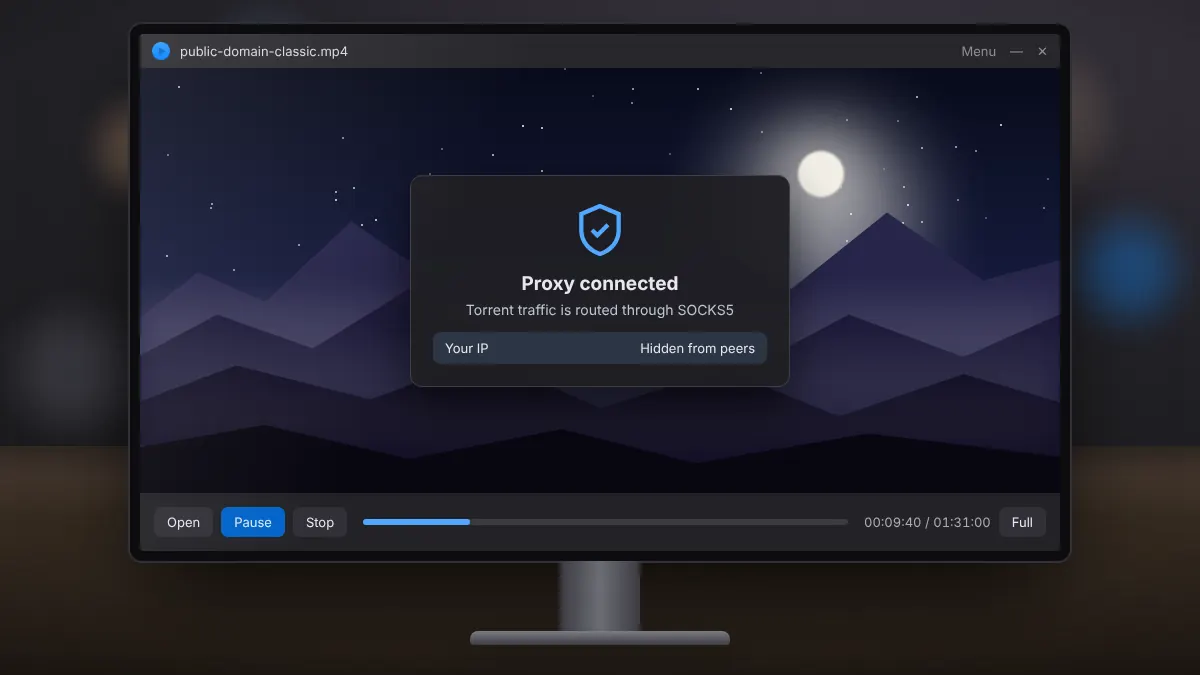
Read fullWhat the shield icon does, how it differs from a VPN, and when switching it on makes sense.
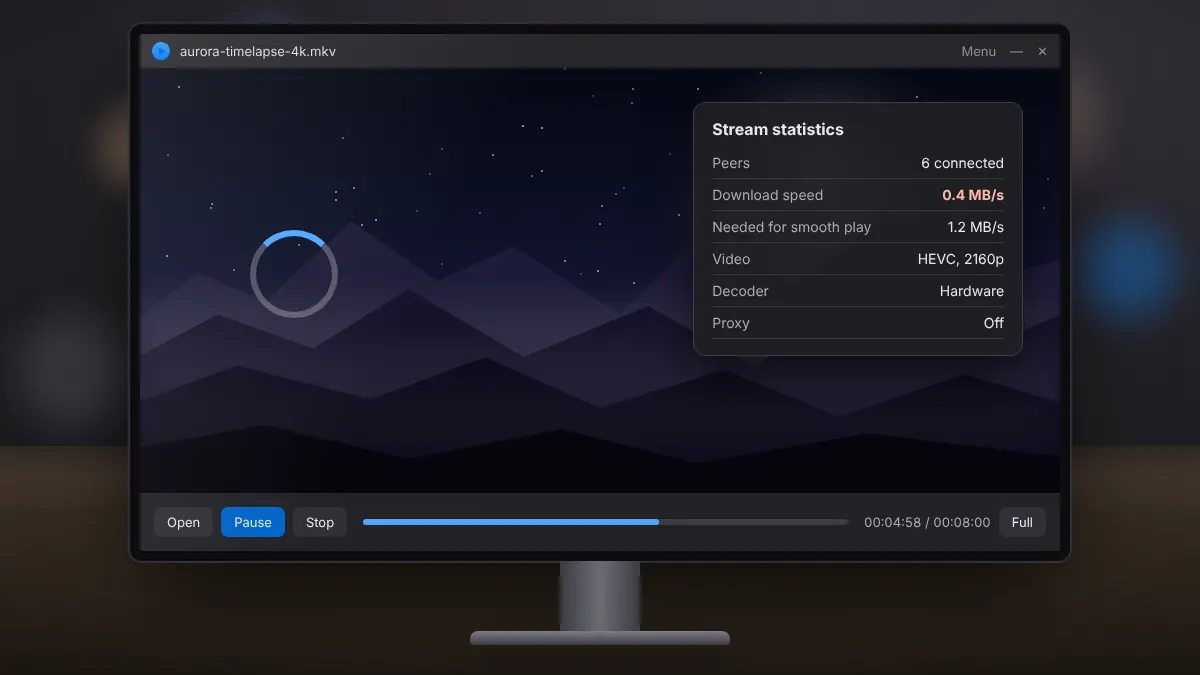
Read fullA step-by-step way to tell network problems from decoding problems, and fix both.
Read full