 Soda Player
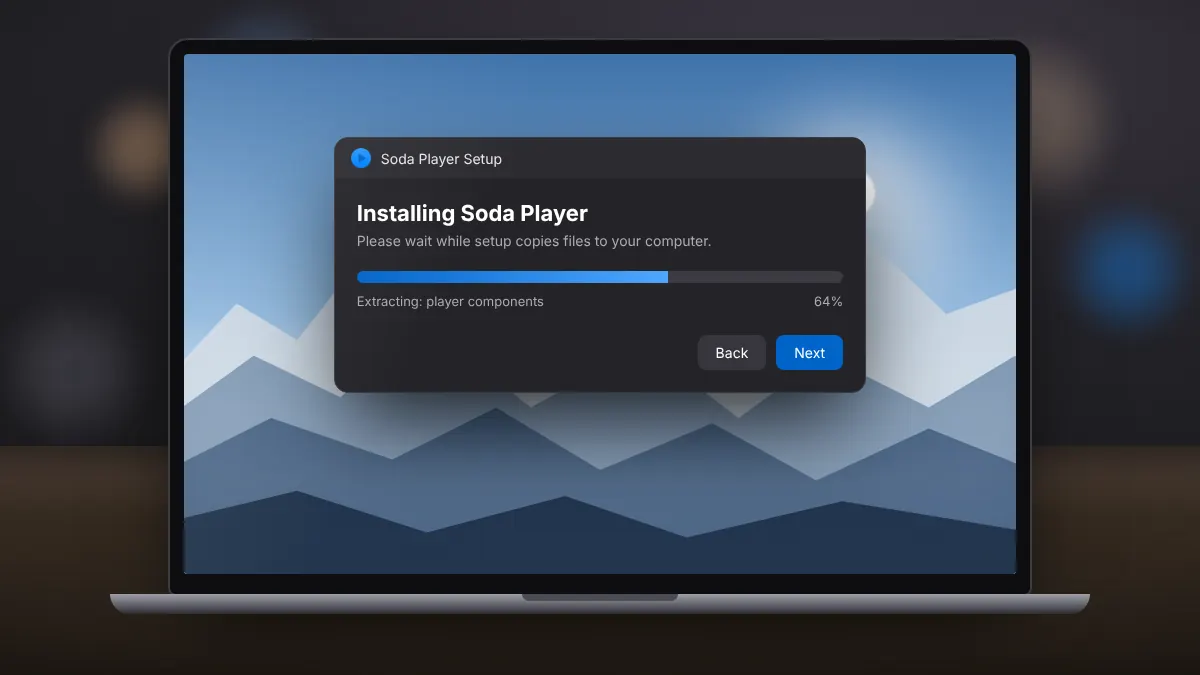
How to Install Soda Player on Windows 10 and 11
A clean setup on Windows 10 or 11, from saving the installer to opening your first video.
Read fullEverything you need to get Soda Player running and your videos playing the way you want: setup, torrent streaming, subtitles, casting and fixes for common problems.
A clean setup on Windows 10 or 11, from saving the installer to opening your first video.
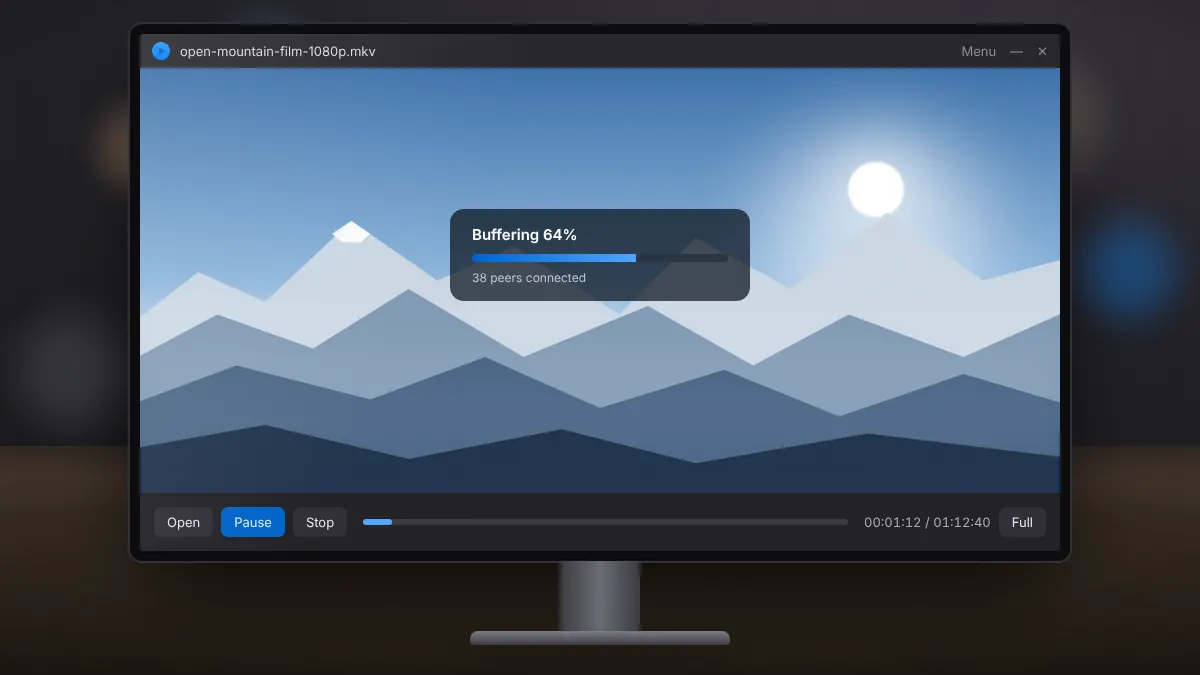
Read fullOpen a magnet link or torrent file, start watching while it buffers, and keep your streaming legal.
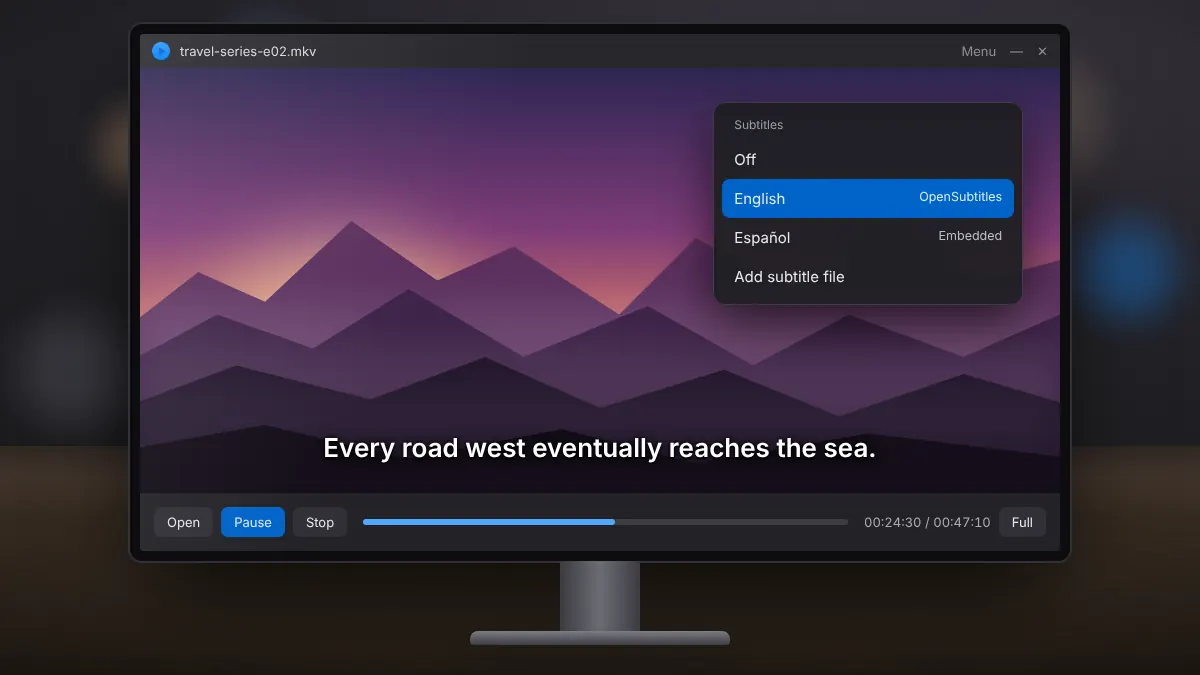
Read fullHow automatic subtitle search works, how to load your own files, and quick fixes for timing problems.
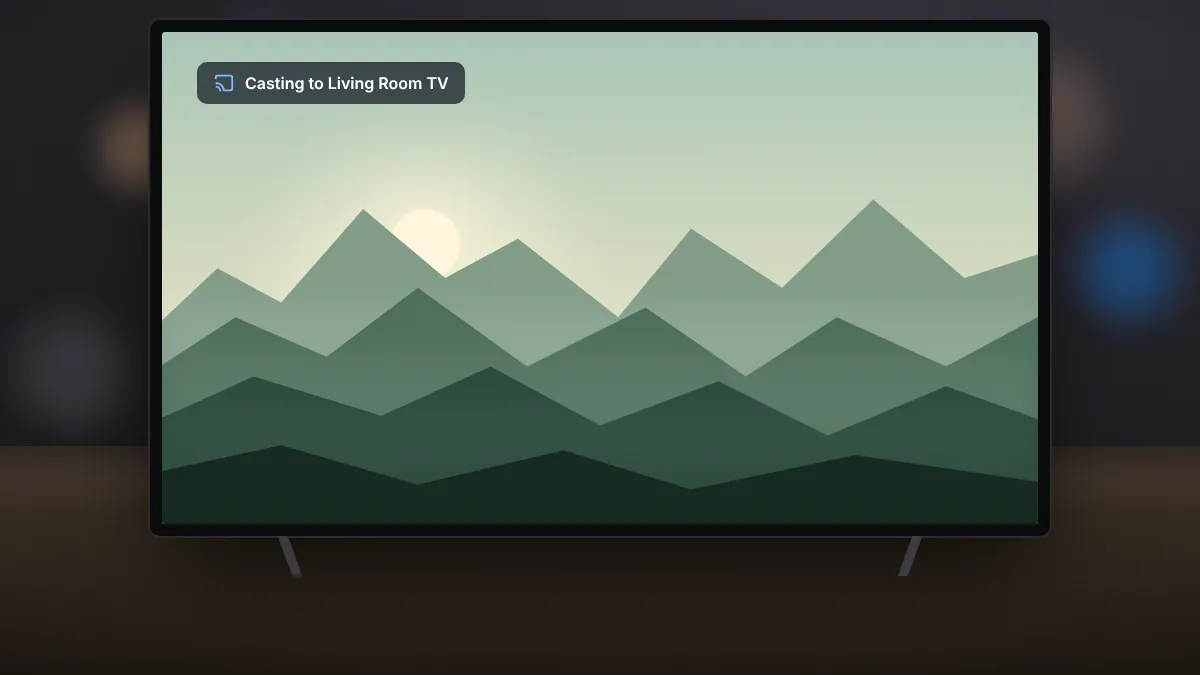
Read fullSend video to the big screen, keep subtitles and surround sound, and fix devices that refuse to appear.
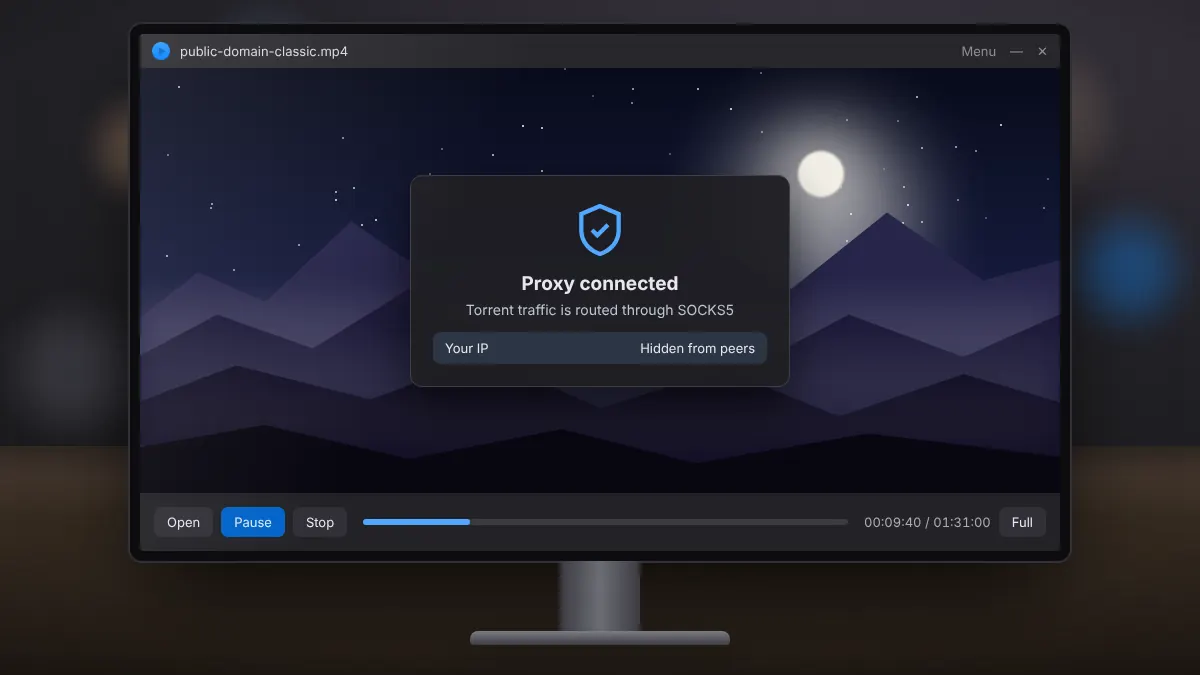
Read fullWhat the shield icon does, how it differs from a VPN, and when switching it on makes sense.
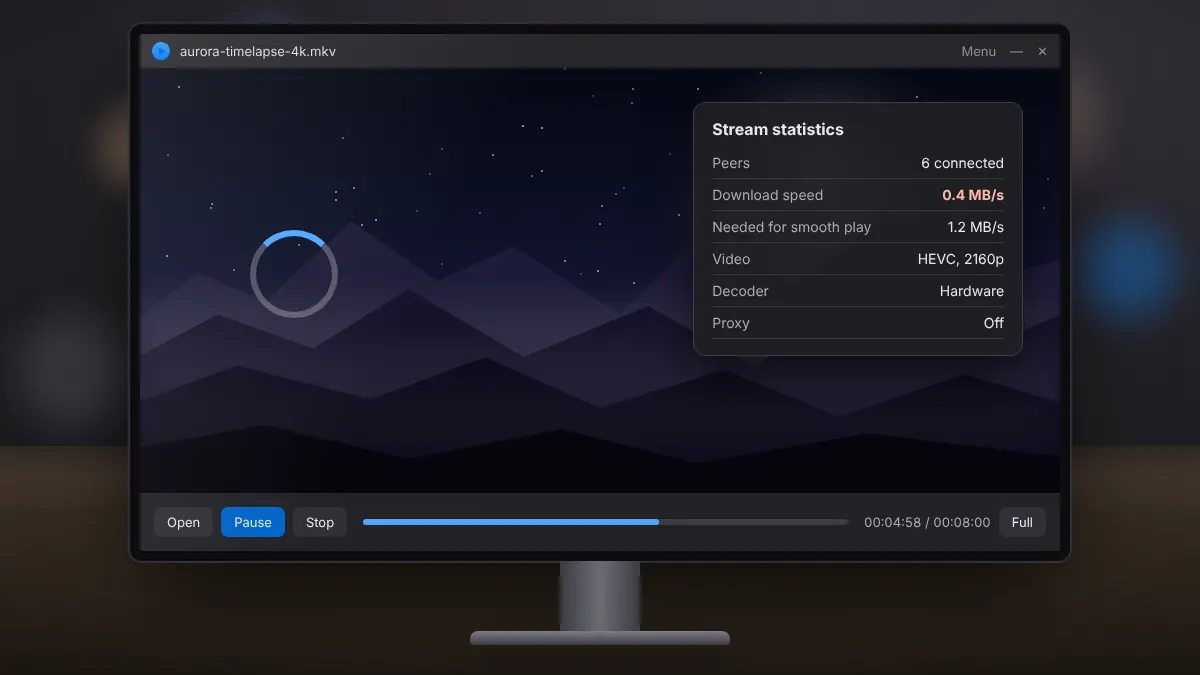
Read fullA step-by-step way to tell network problems from decoding problems, and fix both.
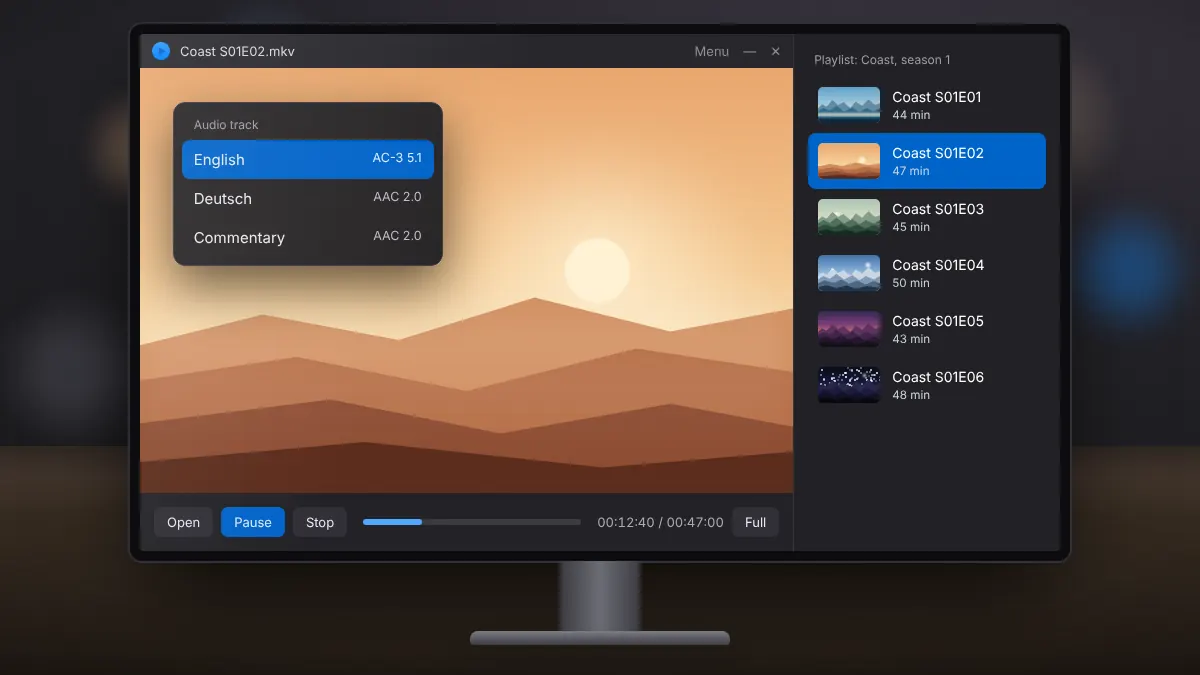
Read fullSwitch languages and commentary tracks, and queue local files or a whole season in order.
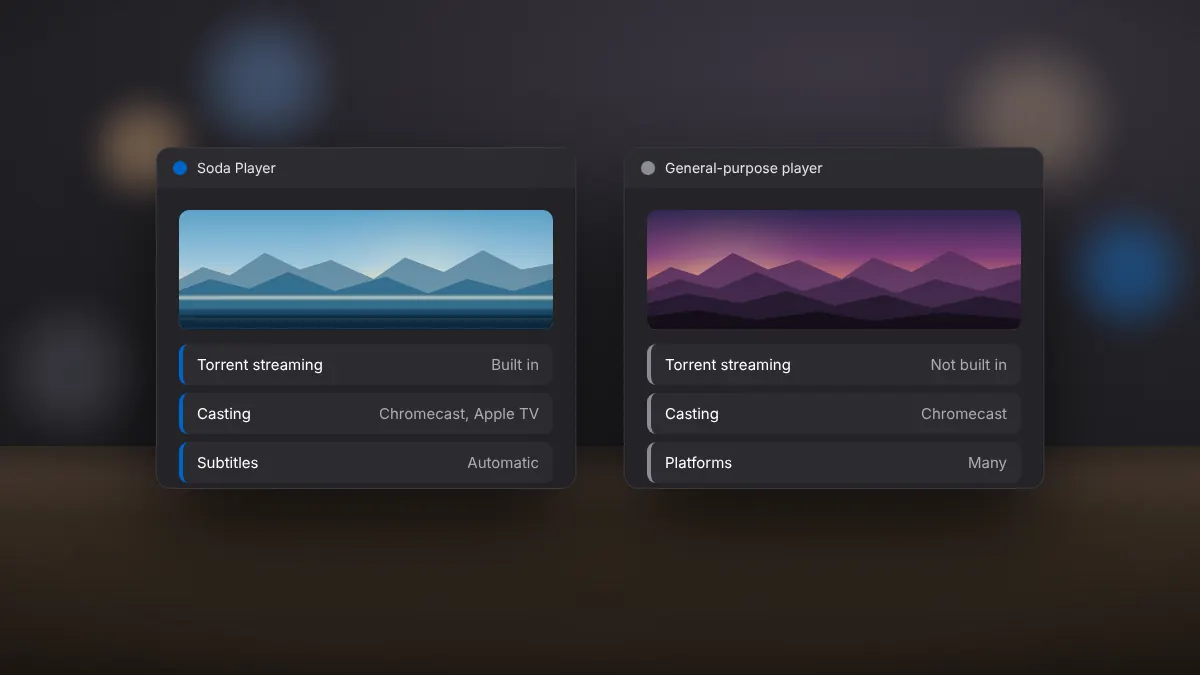
Read fullTorrent streaming, casting, subtitles and ease of use compared side by side.
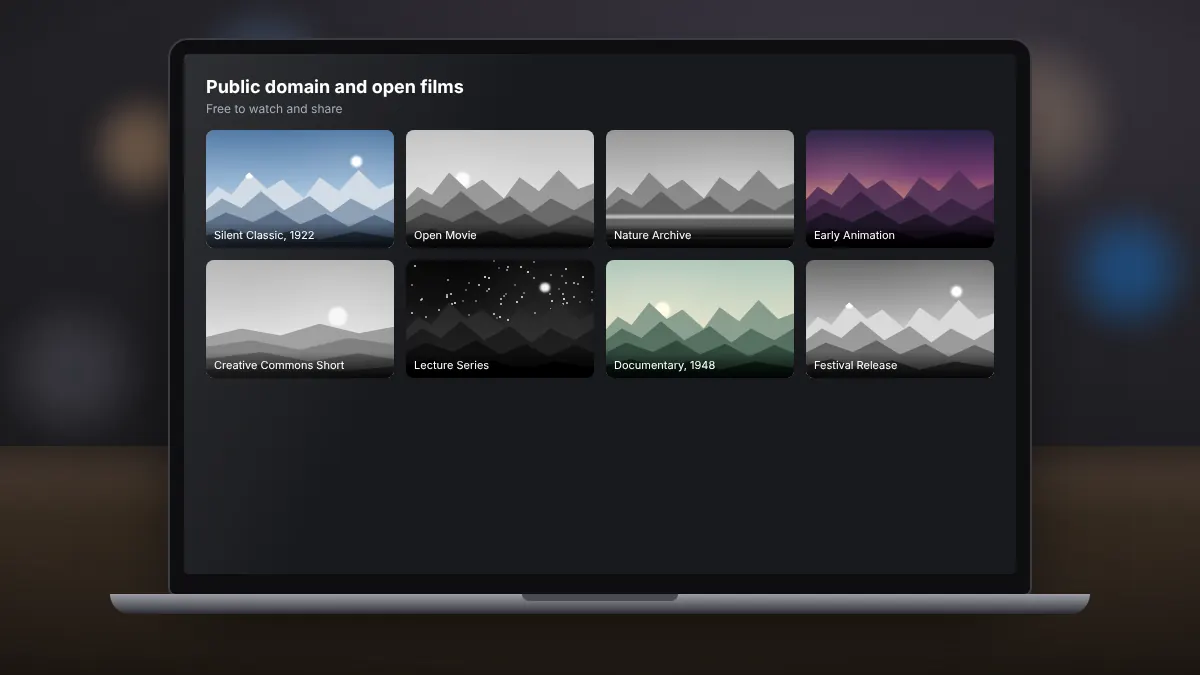
Read fullPublic domain classics, open films and archives that you can stream over BitTorrent with a clear conscience.
Read full