 Soda Player
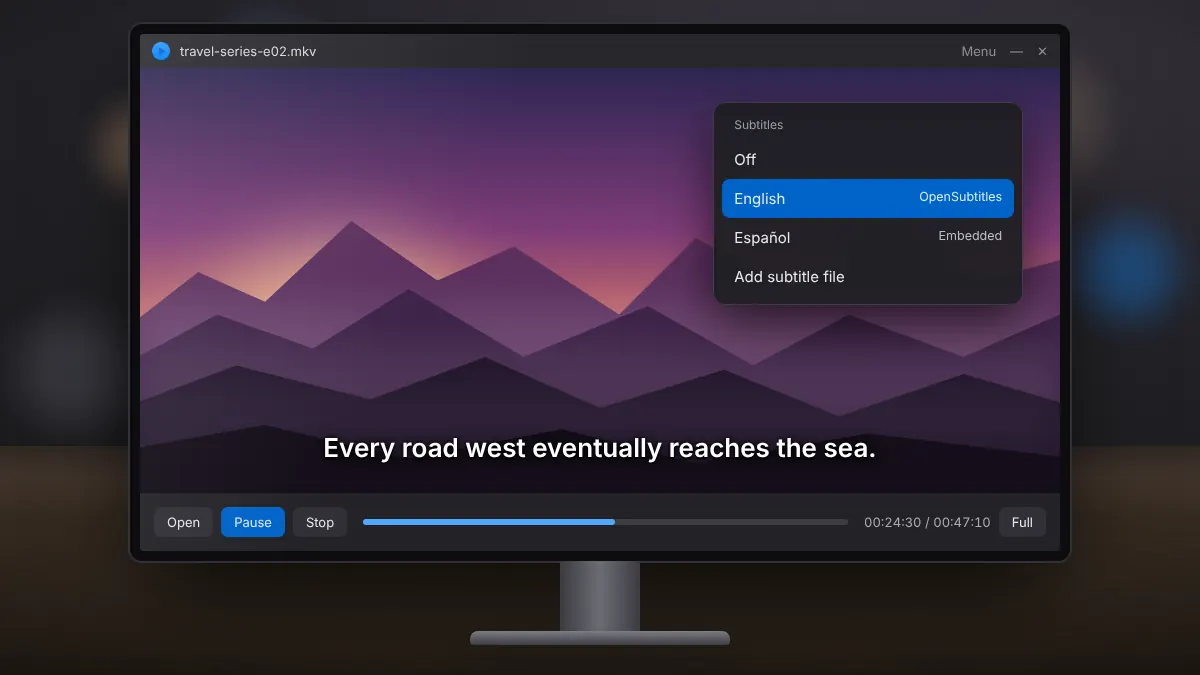
Automatic Subtitles in Soda Player: Setup and Fixes
How automatic subtitle search works, how to load your own files, and quick fixes for timing problems.
Read fullOpen a magnet link or torrent file, start watching while it buffers, and keep your streaming legal.
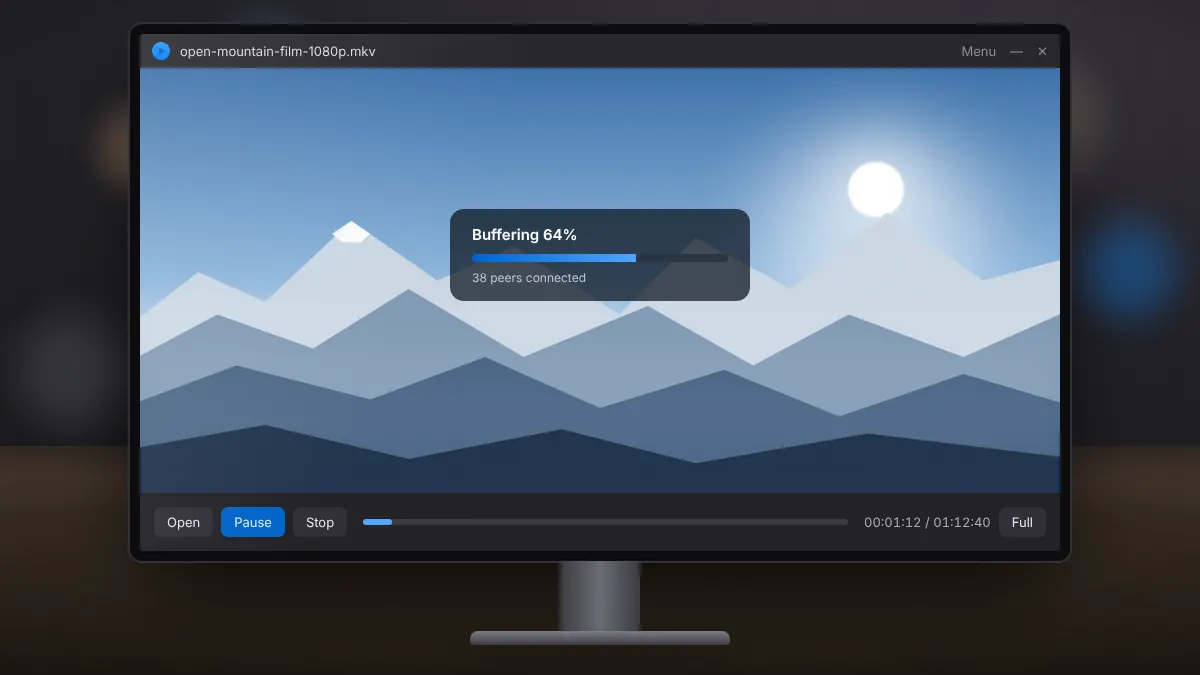
The feature that sets Soda Player apart is torrent streaming. Instead of waiting for a whole download to finish, the player fetches the parts of the video it needs first, so playback can start within moments. Here is how it works and how to use it responsibly.
A regular torrent client downloads pieces of a file in whatever order peers can supply them. Soda Player asks for the pieces near your current playback position first. That ordering lets the video start once a small buffer is ready, while the rest continues to arrive in the background.
Drag the .torrent file onto the Soda Player window, or open it from the player's file menu. If the torrent contains several videos, such as a series, you can choose which file to play first.
BitTorrent is a legitimate technology, but sharing copyrighted films or shows without permission is illegal in most countries. Remember that streaming a torrent usually means uploading pieces to other people at the same time, so you are distributing the content as well as watching it.
You can jump to another point in the video. The player then prioritises pieces around that point, which may cause a short pause while it buffers. Seeking to a part that has already downloaded is instant.
Closing the stream stops the transfer. If you plan to watch the same video again, keeping it as a local file saves you from streaming it a second time.
How automatic subtitle search works, how to load your own files, and quick fixes for timing problems.
Read fullSend video to the big screen, keep subtitles and surround sound, and fix devices that refuse to appear.
Read fullWhat the shield icon does, how it differs from a VPN, and when switching it on makes sense.
Read full