 Soda Player
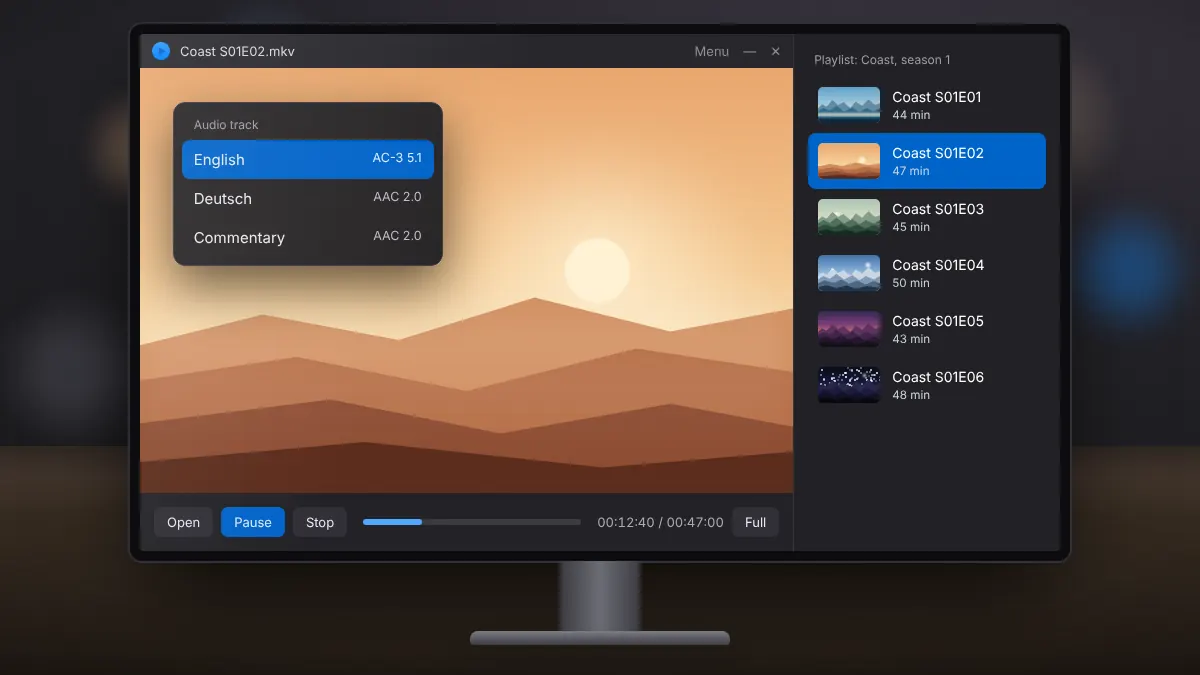
Audio Tracks and Playlists in Soda Player
Switch languages and commentary tracks, and queue local files or a whole season in order.
Read fullA step-by-step way to tell network problems from decoding problems, and fix both.
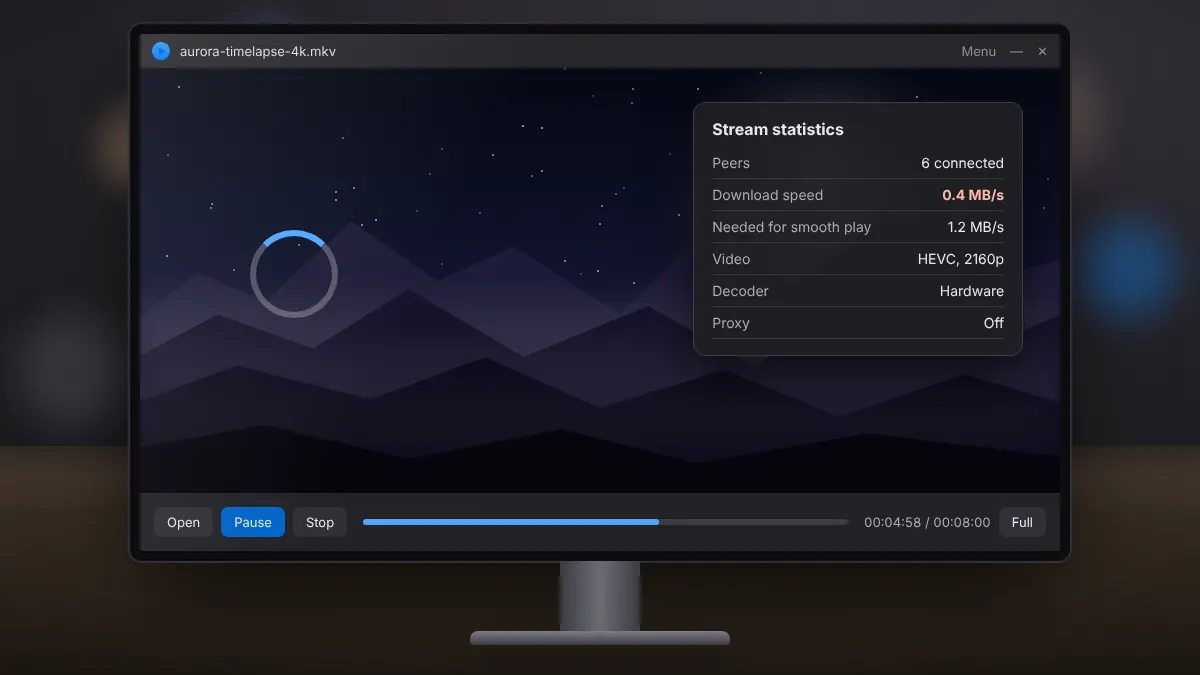
Playback problems fall into two groups: the data is not arriving fast enough, or your computer is struggling to decode it. Telling them apart is the quickest route to a fix.
If the video keeps pausing with a buffering indicator, the issue is data arriving too slowly. If the picture is jerky while the buffer looks full, or local files stutter too, the computer is working too hard to decode the video.
Try another audio track from the player menu, check the Windows output device and volume mixer, and update your graphics driver. If one file misbehaves while others play normally, the file itself may be incomplete or damaged.
Move the PC closer to the router or use a cable, and restart the Chromecast. Formats the TV cannot decode need converting on the PC, which adds load.
Switch languages and commentary tracks, and queue local files or a whole season in order.
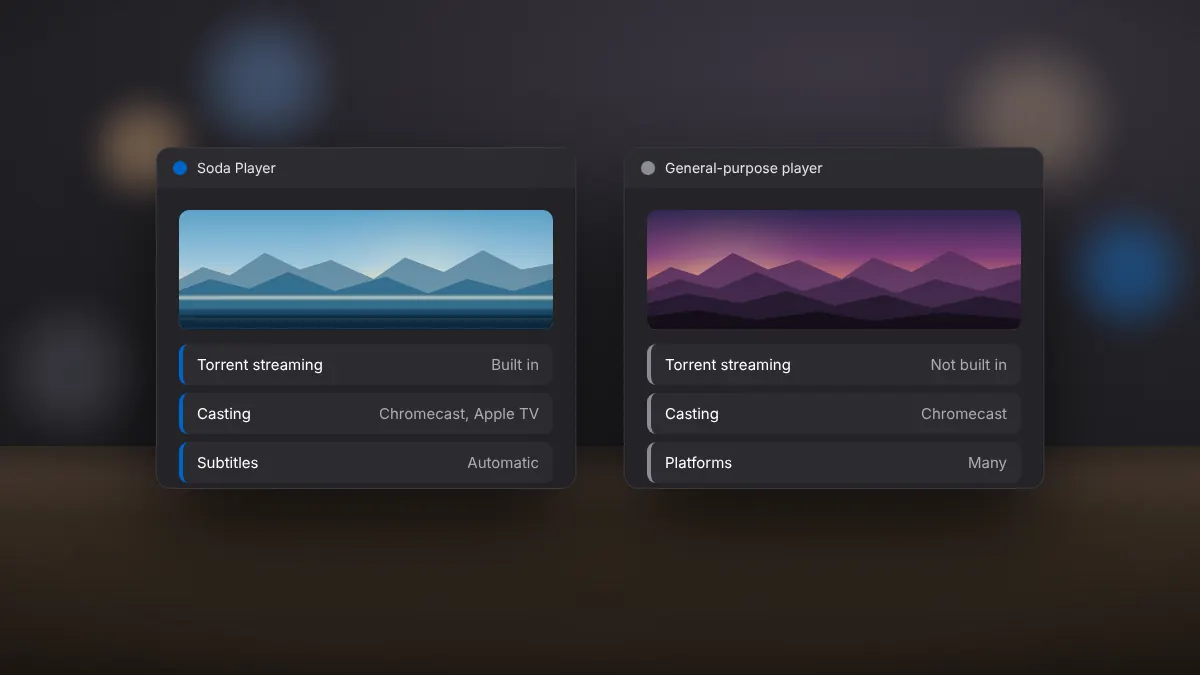
Read fullTorrent streaming, casting, subtitles and ease of use compared side by side.
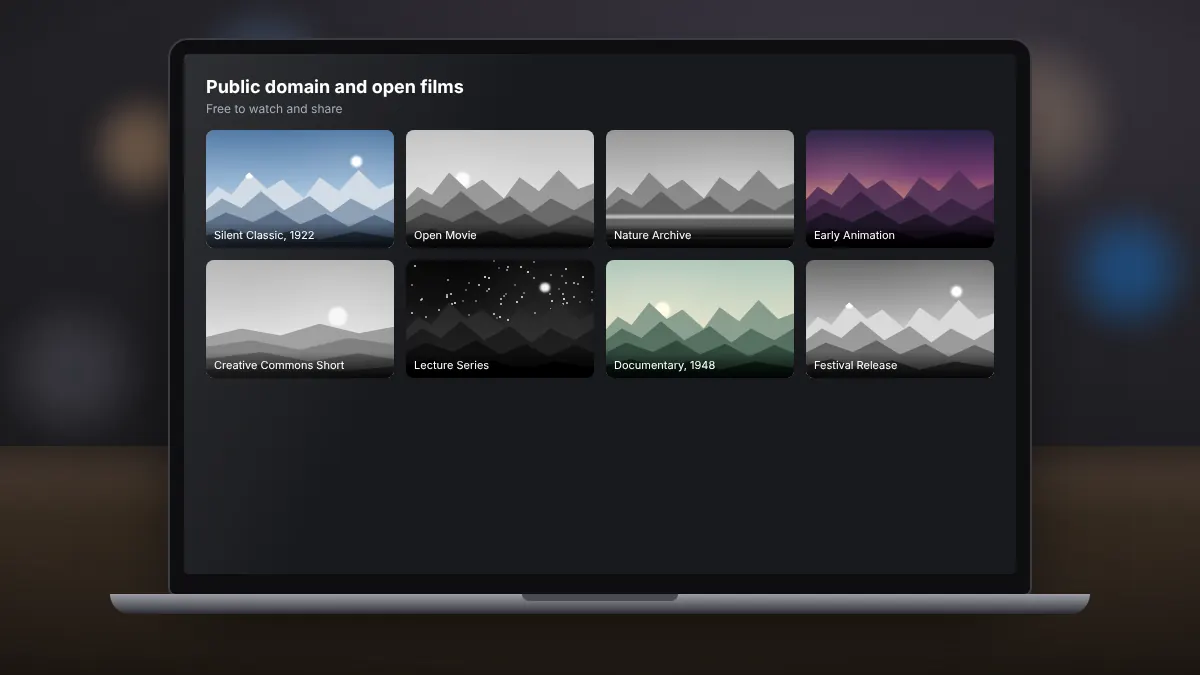
Read fullPublic domain classics, open films and archives that you can stream over BitTorrent with a clear conscience.
Read full